
Webatar Mobile App
Mobile tools for field teams, connected with Huge ERP. Capture time, manage jobs and access business information wherever work takes you.
Overview
Webatar connects mobile teams with Huge ERP through a smartphone, tablet or web browser. Record work as it happens and keep your office and field teams working with connected information.
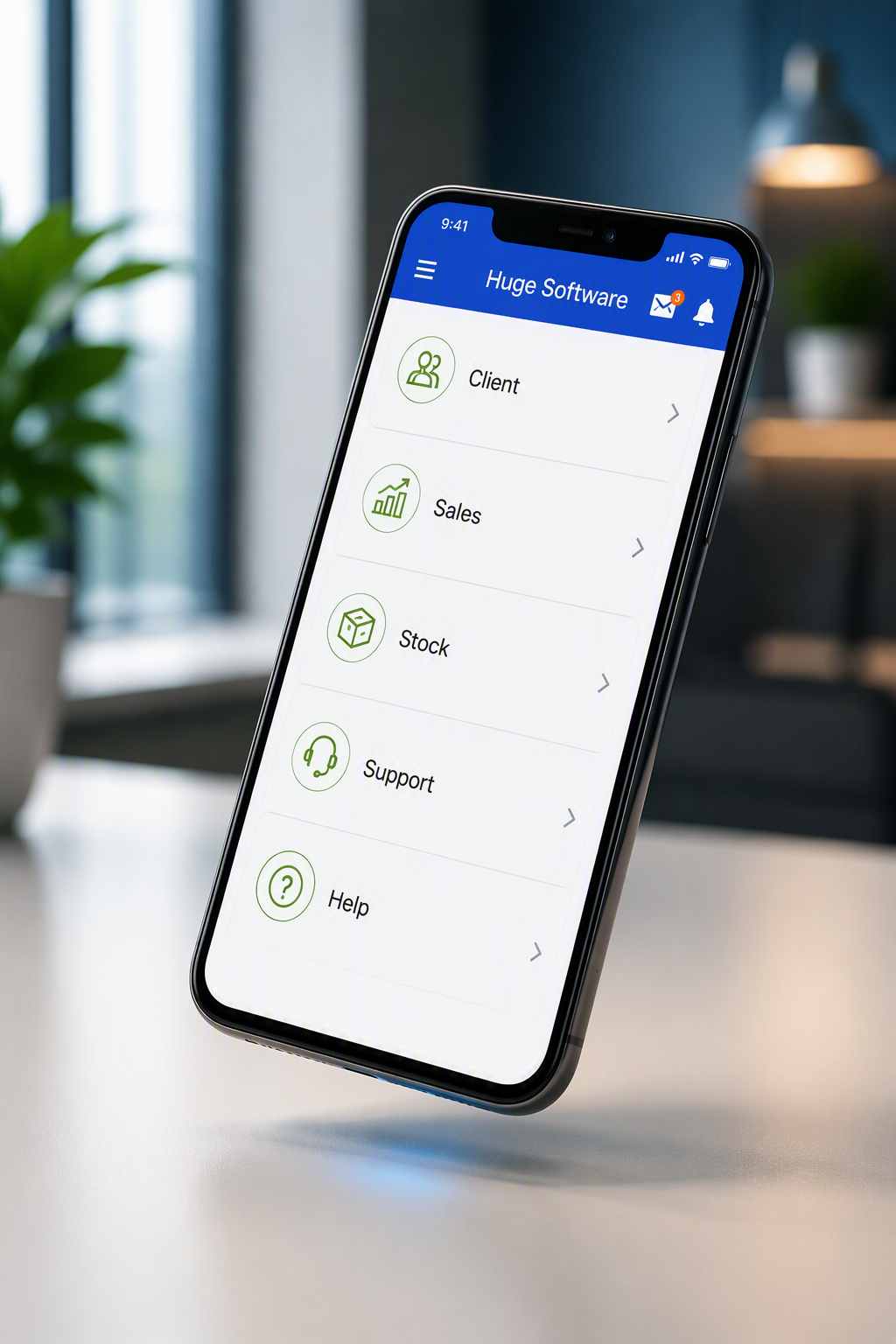
What you can manage
Time & billing
Record time against clients, projects and tasks, including travel, expenses and materials. Review billable time and prepare invoices.
Quotes & client visits
Prepare quotes, capture customer signatures and record visit details, notes and photos while with your customer.
Jobs & checklists
Capture job information and use custom inspection checklists for equipment, machinery and assets.
Customer information
View client details, recent invoices, outstanding tasks and activity to prepare for customer conversations.
Stock & approvals
Review stock across warehouses and approve purchasing while connected. These functions require an internet connection.
Online & offline work
Supported activities can be captured offline and synchronised when connectivity returns. Availability depends on the function and setup.
Is it right for your business?
For service technicians, sales representatives, consultants and other mobile teams that need to capture work and access business information away from the office.
When to consider a change
Field teams record time and job details on paper or disconnected spreadsheets.
Quotes, visits and expenses are entered again when staff return to the office.
Your team needs access to customer and job information while working remotely.
Implementation & support
A practical plan
We review your field workflows, Huge ERP setup and connectivity requirements to agree which functions your team needs.
Setup & training
We help configure access and train your team, including which activities work offline and how information synchronises.
Ongoing support
Get help with rollout, day-to-day use and changes as your mobile team grows.